
- File
-
Designs
-
-
All categories -
Category #1 - New category
-
My designs
-
- Share
-
Help
-
Quick help
- ctrl+a
Select all objects
ctrl+d Duplicate the active object
ctrl+e Clear all objects
ctrl+s Save current stage to my design
ctrl+o Open a file to import design
ctrl+p Print
ctrl++ Zoom in
ctrl+- Zoom out
ctrl+0 Reset zoom
ctrl+z Undo changes
ctrl+shift+z Redo changes
ctrl+shift+s Download current design
delete Delete the active object
← Move the active object to the left
↑ Move the active object to the top
→ Move the active object to the right
↓ Move the active object to the bottom
shift+← Move the active object 10px to the left
shift+↑ Move the active object 10px to the top
shift+→ Move the active object 10px to the right
shift+↓ Move the active object 10px to the bottom - Custom help content

Copyright © 2017-2022 Lumise Inc.
All Rights Reserved.Powered by Lumise version 2.1.2
-
- Shop
- Undo
- Redo
-

-
 English
-
Dutch
Languages
-
- 0.0
-
My shopping cart
-
Proceed to the next step
- Back to shop
- Design
- image
- Text
- Layers
Click or drop images here
Click or drag to add text










Bug report
Let us know if you encounter any bugs in this design tool or simply give your opinion to improve the tool.
Tips: if you want to send content with screenshots or videos, you can upload them to imgur.com or any disk service and post links here.
-
Start designing by adding objects from the left side
- All selected objects are grouped | Ungroup?
- Group objects Group the position of selected objects
-
-
Fill options
Save this colour
-
-
Options
-
Automatically align the position of the active object with other objects -
ON: Keep all current objects and add the template to OFF: Clear all objects before installing the template -
Replace the selected image object instead of creating a new object
-
- Replace image
- Crop
-
Mask
-
Select mask layer
-
-
Remove background
-
Remove background
-
Depth:
-
Mode:
-
-
Filters
-
Filters
-
- Original
- B&W
- Satya
- Doris
- Sanna
- Vintage
- Gordon
- Carl
- Shaan
- Tonny
- Peter
- Greg
- Josh
- Karen
- Melissa
- Salomon
- Sophia
- Adrian
- Roxy
- Singe
- Borg
- Ventura
- Andy
- Vivid
- Purple
- Thresh
- Aqua
- Edge wood
- Aladin
- Amber
- Anne
- Doug
- Earl
- Kevin
- Polak
- Stan
-
Brightness:
-
Saturation:
-
Contrast:
-
- Clear filters
- Click and drag the mouse to start drawing. Ctrl+Z = undo, Ctrl+Shift+Z = redo
- QR code text
-
Fill options
-
Fill options
Save this colour
-
Transparency:
-
Stroke width:
-
Stroke colour:
-
- Unlift position
-
Reorder layers
-
Position
-
Object position
Lock object position:
-
Middle vertical
-
Top left
-
Top middle
-
Top right
-
Centre horizontal
-
Middle left
-
Middle centre
-
Middle right
- Press &left arrow;
-
Bottom left
-
Bottom middle
-
Bottom right
-
-
Transforms
-
Rotate:
-
Skew X:
-
Shear Y:
- Flip X:
Flip Y:
Free transform by pressing SHIFT+⤡
-
-
Font Family
-
Edit Text
-
Edit Text
-
-
Font Size:
-
Letter Spacing
-
Line Height
-
-
Text Effects
-
Text Effects
-
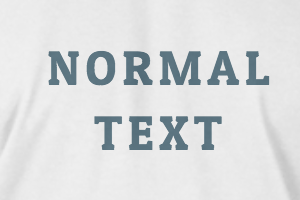
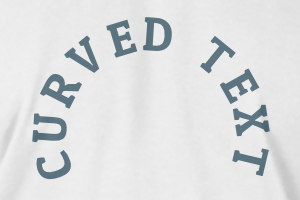
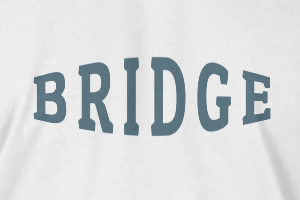
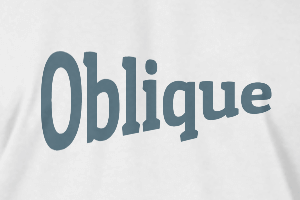
-
Radius
-
Spacing
-
Curve
-
Height
-
Offset
-
Trident
-
-
Align Text
- Capitalisation
- Font Weight Bold
- Font Style Italic
- Text Underlined
Please select a product to start designing
Scroll to zoom